Free imageand PDF tools
Compress, resize and convert photos, merge and split PDFs, make QR codes and count words. It all runs in your browser, so your files are never uploaded.
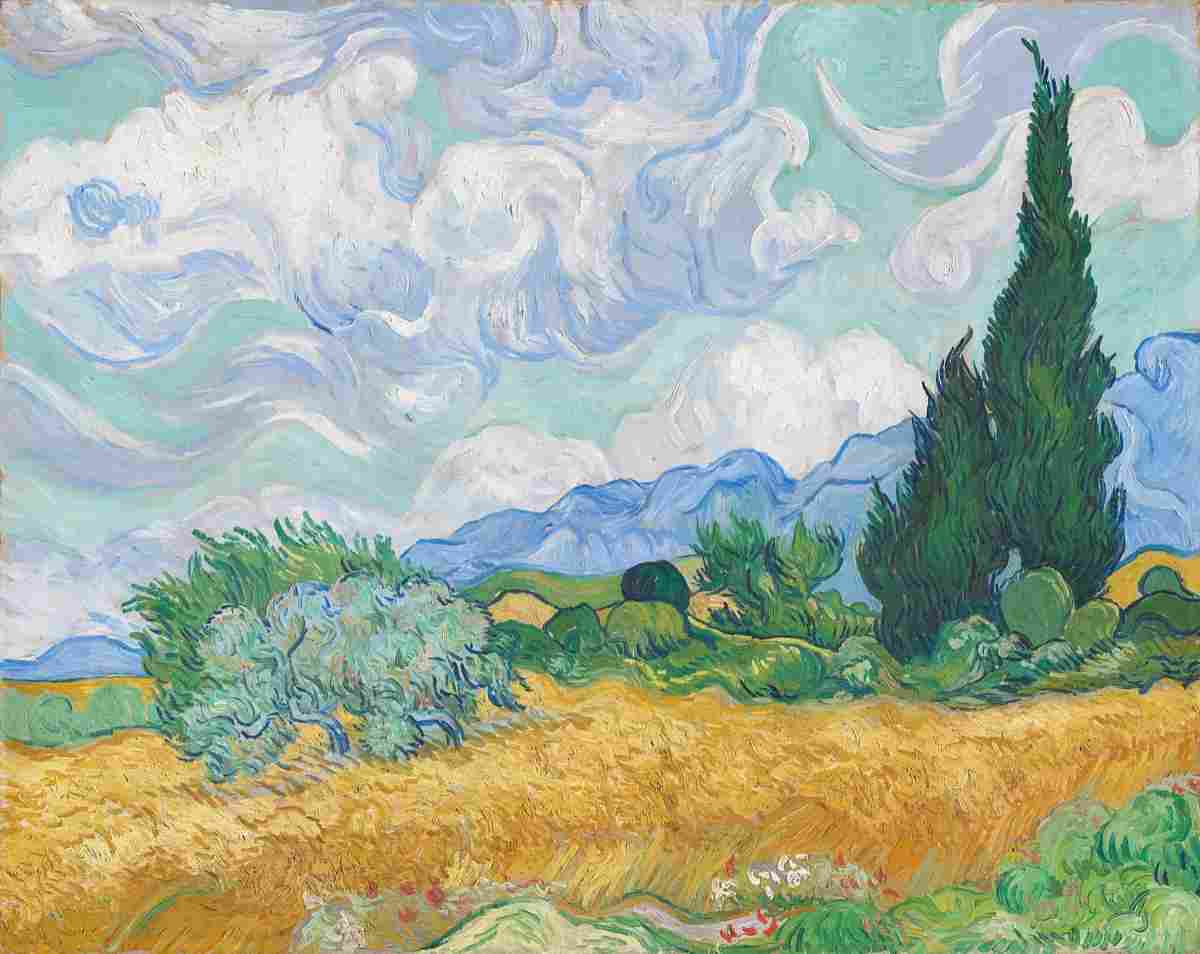
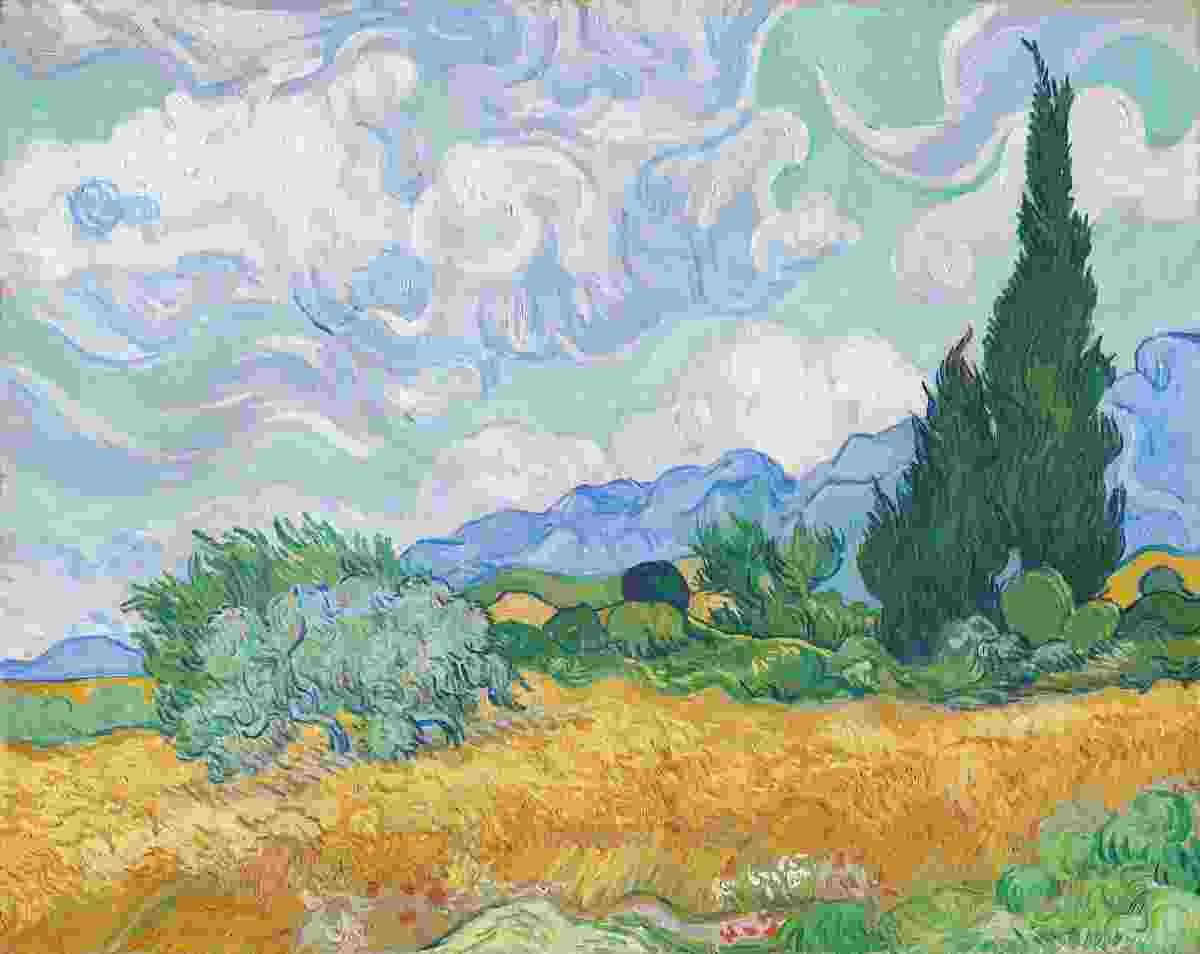
Image tools
Compress, resize, crop, convert and edit JPG, PNG and WebP photos.
This painting was compressed here: 47 KB on one side of the line, 19 KB on the other.
- Photo editorCrop, adjust, filter, add text, emoji, blur and frames, with undo.
- Compress imageShrink JPG, PNG or WebP to a target file size.
- Resize imageResize to exact dimensions or a social preset.
- Crop imageCrop to a ratio, a circle, or a freeform box.
- Convert imageConvert between PNG, JPG and WebP.
- Color pickerPick hex, RGB and HSL from an image and build a palette.
- Meme generatorAdd top and bottom text to your own image. No watermark.
- Collage makerCombine 2 to 9 photos into a grid, sized for any platform.
- Favicon generatorMake favicon.ico, PNG and Apple icons from an image or letters.
- Watermark photosStamp text or a logo on one photo or a batch.
- Blur imageBlur faces, plates or any area with a box or brush, or the whole photo.
- Add text to photoType a caption, drag it into place, pick a font, colour and outline.
- Add emoji to photoSearch emoji stickers, then move, size and turn them on your photo.
- Rotate imageTurn 90° or 180°, straighten by any angle, or flip a photo.
- YouTube thumbnail makerA 3840 × 2160 thumbnail with bold text, emoji and a gradient, under 2 MB.
- Social media image resizerOne photo to Instagram, YouTube, X and more sizes at once, as one zip.
- Signature makerDraw or type your signature; save a transparent PNG or an SVG.
- Photo metadata (EXIF) viewerSee a photo's camera, date and GPS data, then remove or edit it without re-encoding.
PDF tools
Merge, split, organize, edit and protect PDFs, or turn images into one.
All PDF tools, with guides- Edit PDFAdd text, a signature, images and highlights; fill forms.
- Merge PDFCombine several PDFs into one, in order.
- Split PDFSplit a PDF by page, size, or ranges.
- Rotate PDFClick pages to turn them, or turn every page.
- Delete PDF pagesClick the pages to remove, then download.
- Extract PDF pagesClick the pages to keep and save them as a new PDF.
- Compress PDFMake a PDF smaller and compare page one before you download.
- Fast web view PDFLinearize a PDF so page one shows while the rest downloads.
- Repair PDFRebuild a damaged PDF and keep the pages that survive.
- Organize PDF pagesDrag pages into order, rotate or remove them.
- Add watermark to PDFStamp CONFIDENTIAL, your own text or a logo on PDF pages.
- Images to PDFTurn JPG and PNG images into one PDF.
- PDF to JPGTurn PDF pages into JPG or PNG images.
- Unlock PDFRemove a password you know from a PDF.
- Protect PDFAdd a password with AES-256 encryption.
- Verify PDF signatureCheck who signed a PDF and whether it changed since.
- PDF metadata viewerSee a PDF's author, title and dates, then remove or edit them.
QR codes
Make a QR code for a link, WiFi network or contact, or read one.
The code beside this was made by the generator when this page was built, with the logo in the middle. Codes like it still scan because of their error correction.
Text tools
Count words, change letter case, make URL slugs and placeholder text.
8 words, 39 characters
A sample sentence shown in Sentence case, UPPERCASE, Title Case, camelCase, snake_case, kebab-case.
- Word & character counterCount words, characters, sentences and reading time.
- Case converterChange text between UPPER, lower, Title and more.
- Slug generatorTurn a title into a clean URL slug.
- Lorem ipsum generatorPlaceholder text by paragraphs, sentences or words.
- Remove line breaksJoin lines from a PDF or email with a space, comma or your own text.
Where your file goes
Nowhere. Upload-based tools send your file to a server to do the work. These do it where the file already is, in your browser. To be exact, the page itself still loads its code and ads; your file’s contents never travel.
When you choose a file
- The browser opens it from your diskyour device
- Bytes sent to a servernone
While the tool works
- Decode, resize, re-encode or rebuildyour browser
- Preview of the resulton screen
When it is done
- You save the new fileyour downloads
The new file, on your device0 uploads
Questions
Are these tools really free?
Yes. Every tool is free, with no account and no sign-up. The site is paid for by advertising, not by charging you.
Do my files get uploaded anywhere?
No. Each tool reads and processes your file in your browser, on your device. The page still loads its own code and shows ads, but the contents of your file are never sent to a server.
Do I need an account?
No. There is no account, no sign-up and no email to give. Open a tool and use it.
Is there a watermark on what I make?
No. The tools never stamp a watermark onto your images, PDFs or QR codes.
Which file types work?
Image tools work with JPG, PNG and WebP, and the converter also reads AVIF, plus HEIC in browsers that can open it, such as Safari. PDF tools work with PDF files, and JPG or PNG images can be turned into a PDF. QR codes save as PNG or SVG.
Is there a size limit?
There is no limit set by us. Because the work happens on your device, very large files depend on your browser's memory; a phone may struggle with a huge scan that a laptop handles.
Does it work on a phone?
Yes. Every tool works in a modern browser on a phone, tablet or computer, and nothing needs installing.
Why can't I compress to an exact size?
The compressor aims at or just under your target. A few very small targets cannot be reached without shrinking the picture, and the tool tells you when it had to.